
⚠️ Affiliate Disclosure: This article contains affiliate links to AppSumo. If you purchase through our links, we may earn a small commission at no extra cost to you. Read our full Affiliate Disclaimer. 🙏
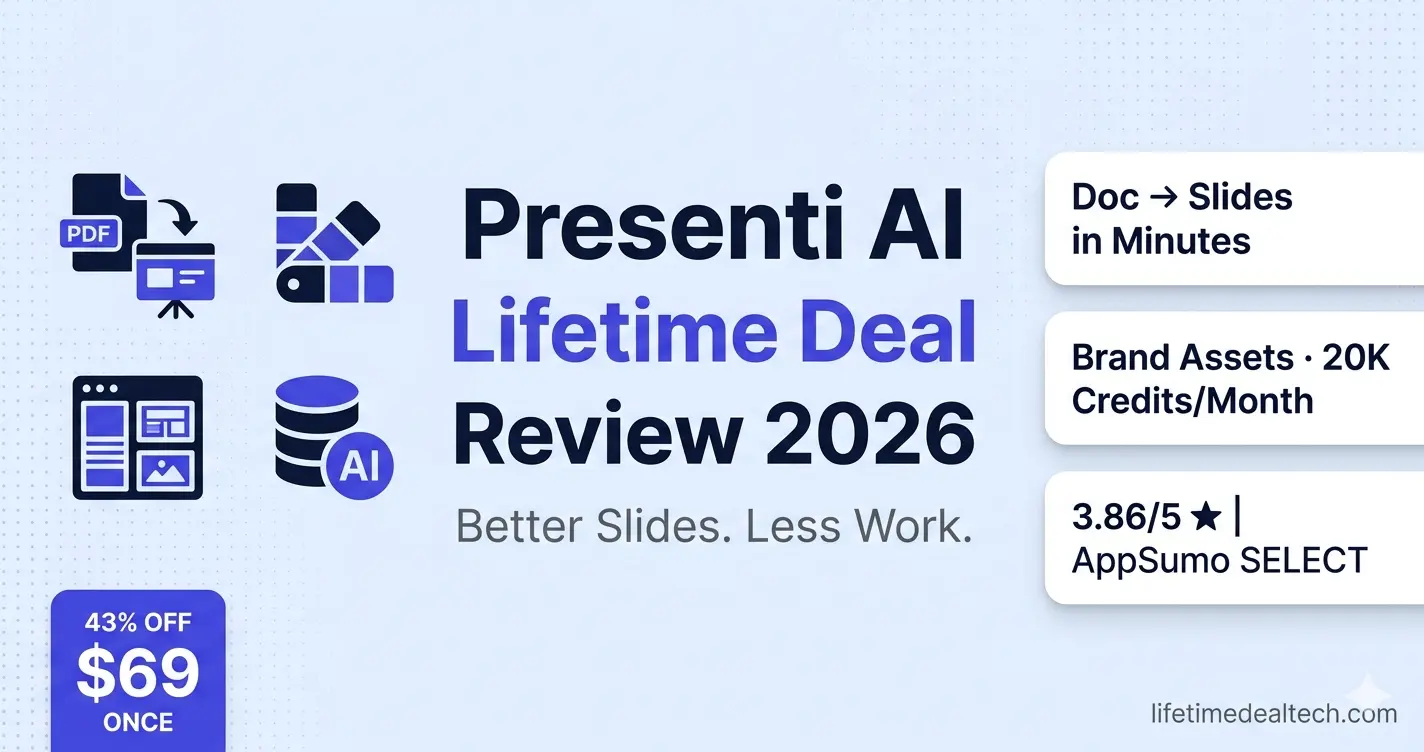
⚡ Quick Verdict: Presenti AI Lifetime Deal 2026
| 3.9 ★★★★☆ / 5 — Our Rating📊 AI SLIDES |
|
| 💰 Price: $69 one-time (was $120 — 43% off) | 🎯 Input types: Prompt, Word, PDF, PPTX, URL, Markdown |
| 🔄 Alternative to: Gamma ($15/mo), Beautiful.ai ($12/mo) | 📊 Credits: 20,000/month — very generous, light usage |
| 📦 Tiers: All features on every plan — tiers = seat count | 🌐 Languages: English, French, German, Spanish, Arabic, more |
| 🏆 Badge: AppSumo SELECT — curated for quality | ⭐ Rating: 3.86/5 from 44 verified buyers |
👉 View Presenti AI on AppSumo →
$69 One-Time | 43% Off | AppSumo SELECT | 60-Day Money-Back
🎁 New to AppSumo? Get 10% Off Your First Purchase!
Sign up with a new email → get 10% discount on any lifetime deal.
Thousands of tools from $19 once.
🛍️ Sign Up & Get 10% Off AppSumo →
✅ New accounts only | ✅ Instant discount | ✅ Lifetime access
🔍 Better Slides, Less Work – What Presenti AI Actually Solves
You have a document. Maybe it is a 20-page Word report, a PDF research paper, a product outline, or just a rough set of bullet points in a notes app. Someone needs it as a presentation, formatted, on-brand, professional-looking, and they need it soon.
What actually happens next in most workflows: you open PowerPoint or Google Slides. You spend thirty minutes choosing a template. You start pasting content and immediately realize nothing fits neatly into slides. You resize fonts, move text boxes, and hunt for images. Ninety minutes later, you have something passable but exhausting to produce.
AppSumo’s tagline for Presenti AI says it directly: “Better slides, less work.” The idea is straightforward: feed it your existing document, get a complete styled presentation back, then edit and refine rather than build from scratch. One buyer describes it perfectly: when they have a presentation to prepare, they no longer open PowerPoint. Their first instinct now is to open Presenti AI.
Presenti lifetime deal is an AppSumo SELECT badge means AppSumo’s team specifically chose this tool for quality, performance, and support; not every tool earns that designation. At $69 once versus Gamma’s $15/month subscription, the math closes in less than five months.
🎬 See Presenti AI in Action
⚙️ Presenti AI Key Features – Full Breakdown
📄 Convert Any Document to Slides
| 🎨 On-Brand Design Control
| |
✏️ Full Editing Environment
| 💡 Generous Credits – Light Usage
| |
🎯 Who Is Actually Using Presenti AI
From real buyer reviews and use cases shared by the community:
- Educators and professors: turning decades of Word-based research into engaging classroom lectures, converting linear academic text into visually stimulating segments that match modern student attention spans.
- Sales teams: using the URL-to-pitch feature to scrape a prospect’s website and generate a customized deck addressing that specific client’s industry pain points within minutes of a discovery call.
- Developers and engineers: converting Markdown documentation and internal technical specs into executive-ready summaries that bridge the gap between engineering teams and non-technical stakeholders.
- Startup founders: using investor-vetted frameworks built into the templates to create pitch decks with the logical flow VCs expect, without spending days on formatting.
- Agencies: uploading client reports and briefs and getting client-presentable slide decks in minutes rather than hours, with brand assets applied automatically once set up.
🎁 New to AppSumo? Get 10% Off Your First Purchase!
Sign up with a new email → get 10% discount on any lifetime deal.
Thousands of tools from $19 once.
🛍️ Sign Up & Get 10% Off AppSumo →
✅ New accounts only | ✅ Instant discount | ✅ Lifetime access
⚠️ Honest Caveats – What the 3.86 Rating Tells You
Presenti AI has a 3.86/5 rating, honest for a newer tool with 44 reviews. The critical reviews reveal specific friction points worth knowing before buying:
- Occasional manual adjustments needed. Font sizing and spacing sometimes need tweaking after AI generation. The output is a strong starting point, not always pixel-perfect. One reviewer notes, “You’ll occasionally need to resize a font or adjust spacing manually.”
- PDF export quality complaints. Some buyers reported low-resolution PDF outputs and issues with non-selectable text in exported PDFs. PPTX export has been more reliable for most users.
- AI-generated content can feel generic without customization. Without proper voice settings and brand context, some outputs lean toward generic. The fix: set up your brand assets and custom template first; multiple buyers report that this completely changes the quality.
- Learning curve upfront. One buyer describes it as an app that “requires learning,” not a criticism exactly, but a realistic expectation. Buyers who set it up properly report consistent, high-quality outputs; buyers who skip setup report inconsistent results.
🆚 Presenti AI vs Alternatives
| Tool | Price | Doc to Slides | Brand Assets | Lifetime Deal |
|---|---|---|---|---|
| Presenti AI (LTD) | $69 once ✅ | ✅ Core feature 🏆 | ✅ Full upload 🏆 | ✅ Yes 🏆 |
| Gamma | $15+/mo | ⚠️ Limited | ✅ Yes | ❌ No |
| Beautiful.ai | $12+/mo | ❌ No | ✅ Yes | ❌ No |
| presentations.ai | $12+/mo | ⚠️ Prompt only | ✅ Yes | ❌ No |
| PowerPoint + manual | $10+/mo | ❌ Manual only | ⚠️ Manual | ❌ No |
💬 My Personal Take: Is Presenti AI Worth $69?
As the founder of lifetimedealtech.com, I approach presentation tools through one question: Does this genuinely remove the time-consuming formatting work, or does it just move the effort somewhere else?
Presenti AI’s strongest use case is document-to-presentation conversion and this is where it genuinely earns its place. If you regularly receive Word documents, PDFs, or research papers that need to become presentations, no other tool in the lifetime deal market does this as directly. The URL-to-pitch feature for sales decks and the Markdown-to-slides conversion for technical teams are genuinely practical capabilities that save real hours on specific, recurring workflows.
The 3.86/5 rating is worth understanding honestly. It sits lower than many AppSumo tools because some buyers skipped the setup phase uploading a document without configuring brand assets or templates, then being disappointed that the output was generic. The buyers who set up their brand assets and custom template first consistently report high-quality, consistent outputs. The tool has a setup investment that pays compound returns once completed.
The credit system is legitimately generous. One reviewer created multiple full presentations in a single session and moved from 22,000 to 21,521 credits, a 479-credit dent on 22,000 available. Credit anxiety is not a real concern here, the way it is with some AI tools.
Bottom line:
- At $69 once versus Gamma’s $15/month or Beautiful.ai’s $12/month, Presenti AI pays for itself within five months for regular users.
- The AppSumo SELECT designation confirms editorial confidence in the product.
- Set up your brand assets before your first presentation, use the template library, and the document conversion capabilities will save you hours on every deck you build from that point forward.
- The 60-day refund window gives you enough time to run three or four real presentations and verify the output quality for your specific use case.
🎁 New to AppSumo? Get 10% Off Your First Purchase!
Sign up with a new email → get 10% discount on any lifetime deal.
Thousands of tools from $19 once.
🛍️ Sign Up & Get 10% Off AppSumo →
✅ New accounts only | ✅ Instant discount | ✅ Lifetime access
❓ Frequently Asked Questions
What file types can Presenti AI convert to presentations?
Presenti AI accepts Word documents (.docx), PDFs, PowerPoint files (.pptx), Markdown files, plain text prompts, and URLs (it scrapes the page content). This document conversion capability is Presenti’s primary differentiator. Tools like Gamma and presentations.ai focus mainly on prompt-based generation, while Presenti handles existing file conversion directly.
Do all tiers include the same features?
Yes – all features are included on every tier. The only difference between tiers is the number of team seats, scaling from 1 seat (Tier 1) up to 20 seats on higher tiers. Each seat comes with 20,000 AI credits per month plus a 2,000-credit signup bonus. For solo users and freelancers, Tier 1 covers everything they need.
How do I get the best output quality from Presenti AI?
Upload your brand assets (logo, fonts, color palette) and create a custom template before generating your first presentation. Buyers who skip this step report generic outputs; buyers who set up brand assets consistently report high-quality, on-brand results. The platform has a material library for managing these assets. Once your brand template is configured, every new presentation starts on-brand automatically.
How does Presenti AI compare to Gamma?
Gamma excels at prompt-based generation and creates websites and social content alongside presentations. Presenti AI’s advantage is document conversion; it handles existing Word, PDF, and PPTX files directly, which Gamma does not do as well. Presenti’s template library is also more niche-specialized for industries like education, marketing, and tech. The pricing difference of $69 once versus $15/month means Presenti pays for itself in under five months for regular users.
📚 Related Articles
Disclaimer: This article contains affiliate links. Read our full Affiliate Disclaimer.

Hi, I’m Arif Molla – founder of Lifetime Deal Tech, your trusted source for the best software lifetime deals, honest reviews, and money-saving guides.
I help bloggers, freelancers, and solopreneurs discover one-time SaaS deals that save thousands of dollars in subscription costs. I personally test and review every tool before recommending it.
Follow me for the latest lifetime deals, SaaS reviews, and smart buying guides.