

Running a digital agency means managing far more software than most people realize.
You may need an SEO platform for client websites. You may also need a keyword research tool for content planning. Use software to find leads. Use an email platform for outreach. Add a project management system. Consider social media software. AI tools can help, too. Use reporting software. You may also need smaller tools to keep everything moving.
The problem is that those monthly subscriptions add up quickly.
A few $20 or $30 subscriptions may not look expensive individually. But once you have ten or fifteen of them, your agency can spend hundreds of dollars each month. This can happen before you earn a single dollar from a new client.
That’s why building the right SaaS stack for digital agencies matters.
The goal isn’t to own the most software. It creates a practical system where each tool has a clear purpose. Each tool helps your team sell, deliver, automate, or keep client work.
Lifetime deals can make that strategy even more attractive when the software is genuinely useful, and the deal terms make sense.
Here are 15 types of SaaS tools worth considering when building a digital agency stack in 2026.
Note: Lifetime deal pricing, availability, features, usage limits, and license terms can change. Always check the current offer before purchasing.

What Is a SaaS Stack for Digital Agencies?
A SaaS stack is simply the collection of software an agency uses to run its business.
A typical agency stack may include tools for:
- Lead generation
- CRM and sales
- Email marketing
- SEO
- Content creation
- Social media
- Project management
- Automation
- Client reporting
- AI-assisted production
- Presentations
- Customer communication
The mistake is choosing each tool separately without considering how they fit together.
For example, a new lead might come in through one platform. Then someone copies it into a spreadsheet. Next, it moves to an email tool. After the client signs, someone needs to create a project.
That’s not an efficient system.
A better SaaS stack for digital agencies should support a connected workflow:
Lead → CRM → Outreach → Sale → Onboarding → Delivery → Reporting → Retention
Every piece of software should have a reason for being there.
1. SEO Audit and Website Monitoring
SEO agencies need a reliable way to find technical problems across client websites.
A good SEO audit platform should help identify:
- Broken links
- Missing metadata
- Technical SEO problems
- Crawl issues
- Indexing problems
- Internal linking opportunities
- Website performance issues
- Content optimization opportunities
A specialized platform can save your team hours compared with checking everything manually.
One tool worth considering is SiteGuru, which focuses on technical and content audits and turns findings into actionable tasks.
You can read our SiteGuru Lifetime Deal Review to see how it fits into an agency SEO workflow.
For smaller agencies, a focused SEO platform can cost less than a large enterprise suite. Your team may rarely use many of its features.
Best for: SEO agencies, web agencies, freelancers, and consultants.
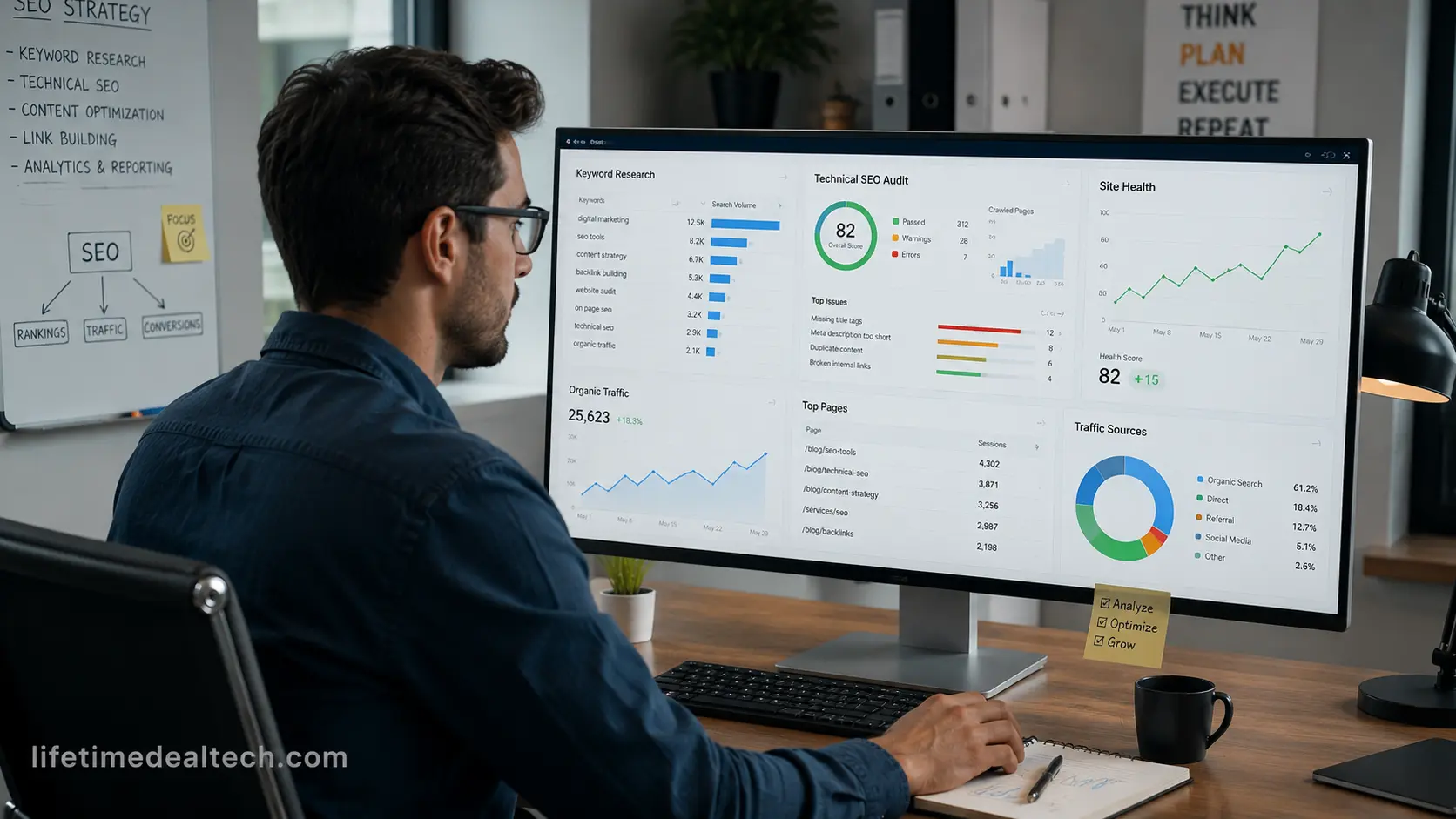
2. Keyword Research Software
Keyword research remains one of the most important parts of SEO.
A useful keyword research platform should help your team understand:
- Search volume
- Keyword difficulty
- Search intent
- Related keywords
- Long-tail opportunities
- SERP competition
- Ranking potential
The right tool depends on your agency’s needs.
A large SEO agency may need extensive databases and advanced competitor research. A small content agency may simply need reliable keyword data and an easy way to find low-competition opportunities.
Tools such as KWFinder and Mangools can be useful for agencies that want a simpler approach to keyword research.
Don’t automatically choose the platform with the longest feature list.
Choose the one your team can actually use efficiently.
3. Content Optimization Software
Writing an article is only the beginning.
Your team also needs to ensure the content covers the topic properly and aligns with search intent.
Content optimization software can help identify:
- Missing subtopics
- Related terms
- Important entities
- Competitor coverage
- Content structure
- Optimization opportunities
TextFocus Lifetime Deal Review is a useful resource for agencies considering this type of software.
NeuronWriter is another content optimization platform that helps writers analyze competing pages and improve topical coverage.
But software should support your writers rather than replace them.
Human editors still need to add original examples, experience, expert opinions, fact-checking, and a clear brand voice.
4. Lead Generation Software
A good digital agency SaaS stack needs a reliable way to find potential clients.
Lead generation platforms can help agencies discover businesses and prospects based on factors such as:
- Industry
- Company size
- Location
- Job role
- Contact information
- Social profiles
- Business characteristics
LifetimeDealTech has already covered the SocLeads Lifetime Deal Review, which is relevant for agencies building outbound prospecting campaigns.
But don’t choose a lead-generation platform simply because it claims to have millions of contacts.
Data quality matters more than database size.
Outdated contact information can waste your team’s time and increase bounce rates.
Best for: B2B agencies, outbound agencies, appointment setters, and lead-generation businesses.
5. Email Marketing Software
Once you have leads, you need a way to communicate with them.
Email marketing software can support:
- Newsletters
- Automated sequences
- Lead nurturing
- Follow-ups
- Client updates
- Onboarding
- Promotional campaigns
Smaller agencies don’t always need a complicated enterprise marketing platform.
If your main requirements are newsletters, simple campaigns, and basic automation, a lightweight platform may be enough.
Our SendFox Lifetime Deal Review can be useful for agencies comparing lower-cost email marketing options.
The key is choosing software based on your actual workflow rather than buying features you may never use.
6. Email Verification and List Cleaning
Email outreach is only useful when your contact database is reasonably clean.
Sending campaigns to invalid addresses can lead to unnecessary bounces and poor campaign performance.
An email verification or list-cleaning tool can help identify:
- Invalid email addresses
- Risky contacts
- Disposable addresses
- Potential bounce problems
- Duplicate records
For agencies running outbound campaigns at scale, this can be an important part of the workflow.
LifetimeDealTech’s Cleanlist AI Lifetime Deal Review is relevant here.
The main benefit isn’t simply saving money. A cleaner list can also make your outreach process more reliable.
7. CRM and Lead Management
Your CRM is where your sales process should live.
At a minimum, your team should be able to answer:
- Who is this prospect?
- What service are they interested in?
- Who contacted them?
- What happens next?
- When should we follow up?
You don’t necessarily need an expensive enterprise CRM to accomplish this.
A smaller agency can start with a simple system and add more advanced functionality as the sales process grows.
The important thing is consistency.
If sales information is spread across spreadsheets, email inboxes, messaging apps, and team members’ memories, you will miss opportunities.
8. Social Media Management Software
Managing social media for one business is relatively simple.
Managing content for ten or twenty clients is a completely different problem.
Agency-focused social media software can help with:
- Scheduling
- Multiple accounts
- Content calendars
- Approval workflows
- Analytics
- Team collaboration
- Client management
- Reporting
Our Sociamonials Lifetime Deal Review covers a platform particularly relevant to agencies managing multiple social profiles.
Before choosing a social media platform, check how many profiles, users, workspaces, and client accounts the plan includes.
A cheap deal isn’t useful if you hit its limits after signing your third client.

9. AI Content Creation Tools
AI can be useful for agencies, especially when it handles repetitive parts of content production.
Common use cases include:
- Content outlines
- Article briefs
- Social media ideas
- Email drafts
- Product descriptions
- Video scripts
- Content repurposing
- First drafts
The important distinction is between AI-assisted content and completely automated content.
Good agencies use AI to speed up research and production. Humans handle strategy, editing, fact-checking, originality, and brand voice.
The question shouldn’t be:
Can AI write this?
A better question is:
Which part of this workflow should AI handle?
That mindset usually produces better results.
10. AI Voice and Video Tools
Video is now part of many agency content strategies.
Agencies may create:
- Short-form videos
- YouTube content
- Voiceovers
- Product demonstrations
- Training videos
- Social media clips
- Explainer videos
AI voice and video platforms can reduce production time, especially for repetitive content.
LifetimeDealTech has covered VocalLab AI, which fits into the AI voice side of this workflow.
Before using any AI voice or video platform for clients, check its commercial usage rights and licensing terms.

11. Presentation and Proposal Software
Agencies create presentations more often than they realize.
Sales proposals, pitch decks, strategy documents, campaign plans, client reports, and internal presentations can consume hours of design work.
AI presentation software can reduce that workload by creating a starting structure from your content.
LifetimeDealTech has covered Presenti AI, which fits into this workflow.
The biggest benefit isn’t necessarily making prettier slides.
It’s reducing the time between having an idea and presenting it professionally to a client.
12. Workflow Automation
As your agency grows, repetitive tasks become expensive.
Imagine a new client signs a contract.
Instead of someone manually creating every item, automation could trigger:
New client → CRM update → Welcome email → Project creation → Team notification → Onboarding checklist
That’s where workflow automation becomes valuable.
If your team performs the same manual task repeatedly every week, ask whether software can handle part of it.
For more background on building marketing workflows and automation, HubSpot’s marketing automation resources offer useful examples. These examples show how automated workflows can link lead nurturing, tasks, and CRM processes.
This is also where a good digital agency SaaS stack begins to become more than a collection of tools. The tools begin working together as a system.
13. Project Management Software
Once a prospect becomes a client, delivery becomes the priority.
Project management software can organize:
- Tasks
- Deadlines
- Team assignments
- Client requests
- Approvals
- Recurring work
- Project status
A small agency may only need basic task management.
A larger agency may need:
- Client portals
- Dashboards
- Automations
- Permissions
- Time tracking
- Advanced reporting
Don’t choose complexity simply because it looks impressive.
The best project management system is the one your team actually keeps up to date.
14. Client Reporting Software
Clients want to understand what they’re paying for.
Depending on your services, you may need to report:
- Organic traffic
- Search rankings
- Leads
- Conversions
- Social engagement
- Campaign performance
- Website performance
A good reporting platform can save hours of manual work every month.
It also gives clients a consistent view of their results.
For agencies that offer white-label services, branded reports can be very useful. The reporting experience becomes part of the agency’s service.
15. White-Label SaaS
White-label SaaS is particularly interesting for agencies because it can turn software into a revenue-generating service.
Some products go beyond a platform used only by an internal team. They let agencies offer branded software services to clients.
That can support services such as:
- AI customer support
- Lead generation
- Marketing automation
- Reporting
- Social media management
- Client communication
If you’re interested in this model, check our guide to lifetime reseller and white-label deals for agencies.
The business model can be powerful because you’re no longer thinking only about software costs.
You’re asking:
Can this software become part of something I sell?
That is a much more interesting question for an agency owner.
How Much Should a Digital Agency Spend on SaaS?
There isn’t one correct number.
Your software budget depends on:
- Number of clients
- Team size
- Services
- Revenue
- Automation needs
- Reporting requirements
- Data requirements
A small SEO agency shouldn’t necessarily use the same software as a 50-person full-service agency.
One simple way to evaluate your stack is to calculate the software cost per client.
For example, if your agency spends $600 per month on software and manages 20 clients:
$600 ÷ 20 = $30 per client
That gives you a clearer picture of whether your technology costs are reasonable.
How Lifetime Deals Can Reduce Agency Costs
Lifetime deals can be attractive because they replace some recurring subscriptions with an upfront payment.
Suppose a tool costs $29 per month and a lifetime offer costs $99.
The simple break-even calculation is:
$99 ÷ $29 = 3.4 months
If you use the tool beyond that point, the upfront purchase may become financially attractive.
But don’t stop at the calculation.
You should also check:
- Usage limits
- Team seats
- Client accounts
- Storage
- API limits
- Integrations
- Support
- Updates
- Commercial rights
A $99 tool that doesn’t meet your agency’s requirements is still $99 wasted.
Don’t Build Your Agency Around Lifetime Deals
Lifetime deals can reduce costs, but they shouldn’t determine your entire software strategy.
Don’t buy a tool simply because the discount looks impressive.
Buy it because you have a real problem to solve.
Before purchasing, ask:
- Will our team use this every month?
- Does it replace something we’re already paying for?
- Does the plan include enough usage for our clients?
- Does the company appear capable of maintaining the product?
- Are the licensing terms suitable for agency work?
If you can’t answer those questions, wait.
There will always be another deal.
A Practical SaaS Stack for a Small Digital Agency
A small agency doesn’t need 30 platforms on day one.
A practical starting stack might look like this:
Sales
- Lead generation
- CRM
- Email outreach
Service Delivery
- SEO software
- Content optimization
- Project management
Marketing
- Email marketing
- Social media management
- AI content tools
Operations
- Workflow automation
- Client reporting
Growth
- White-label software
- AI automation
As the agency grows, add tools when a real limitation appears.
That approach keeps your SaaS stack for digital agencies lean and easier to manage.
How to Audit Your Agency SaaS Stack
Every three months, review your software subscriptions.
Ask five questions.
1. Are we actually using it?
If nobody has opened the software for months, that’s an obvious warning sign.
2. Does another tool already do the same job?
Growing agencies often end up with several tools performing overlapping tasks.
3. Does it save time?
If a $50 tool saves your team ten hours every month, it may be worth keeping.
4. Does it help generate or retain revenue?
Revenue impact matters more than the number of features.
5. Could a lifetime deal replace it?
Only consider this after confirming that you actually need the software.
Final Thoughts
The best SaaS stack for digital agencies isn’t the one with the most tools.
It’s the one where every important tool has a clear purpose.
Start with the software that helps you generate leads and deliver your core service. Then add automation, reporting, AI, and white-label capabilities as the agency grows.
Lifetime deals can be a smart way to reduce recurring software costs, especially for smaller agencies. But the discount should never be the main reason you buy.
A tool is valuable when it saves time, improves delivery, generates revenue, or makes your clients happier.
If it doesn’t do one of those things, you probably don’t need it.
Your agency doesn’t need another dashboard.
It needs a better system.
Frequently Asked Questions
What SaaS tools does a digital agency need?
Most digital agencies need software for lead generation, CRM, email, project management, service delivery, reporting, and automation. SEO, social media, AI, design, and video tools are part of the agency’s services.
Are lifetime SaaS deals worth it for agencies?
They can be worthwhile when the agency uses the software often. The deal should include enough usage, seats, client accounts, integrations, and commercial rights.
How can agencies reduce SaaS costs?
Start by reviewing current subscriptions. Remove unused tools. Cut overlapping platforms. Consider lifetime deals for software the agency plans to use over the long term.
How many SaaS tools should a digital agency have?
There is no fixed number. A small agency can run well with a small core stack. Larger agencies may need more specialized platforms.
Should digital agencies use AI tools?
Yes, when AI solves a specific business problem. AI can help with content, research, video, voice, customer communication, and automation, but human oversight is still important.
Can agencies resell SaaS software?
Some products allow reseller or white-label use, while others don’t. Always check the software’s licensing terms before offering it to clients.
What is the biggest SaaS mistake agencies make?
Buying too many tools without defining what each one is supposed to accomplish. A smaller, well-connected stack is often more useful than dozens of disconnected subscriptions.
Read More Latest Article:
- SaaS Tools for Small Business in 2026: A Simple Guide
- How to Stop Losing Clients to Slow Follow-Ups (Honest 2026 Fix)
- Best Workflow Automation Tools Lifetime Deals 2026 (New User’s Guide)
- The Ultimate SaaS Stack for Solopreneurs 2026
- Backlink Booster: 17 Proven Strategies to Rank Faster

Hi, I’m Arif Molla — founder of Lifetime Deal Tech.
I use and research SaaS, SEO, and digital marketing tools to figure out what is genuinely useful and what isn’t worth the money.
I also like lifetime deals because they can reduce recurring software costs, but I don’t believe every lifetime deal is automatically a good deal.
My goal is simple: test, compare, and explain software in a way that helps you make a better buying decision.